Removable Film Labels

Estimated Delivery:Oct 29 - Nov 02
Free Shipping: On all orders over $50(USD)

Guaranteed Safe Checkout
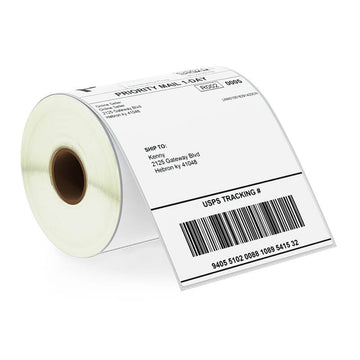
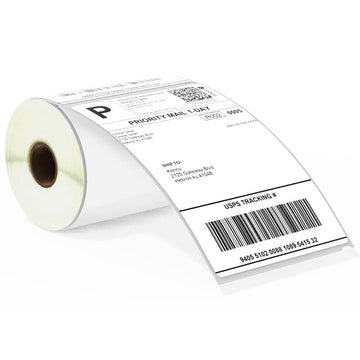
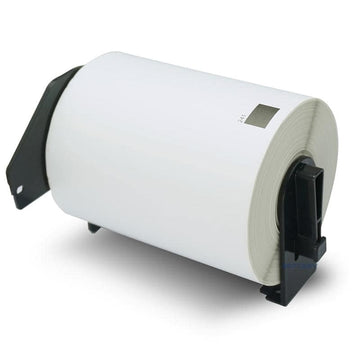
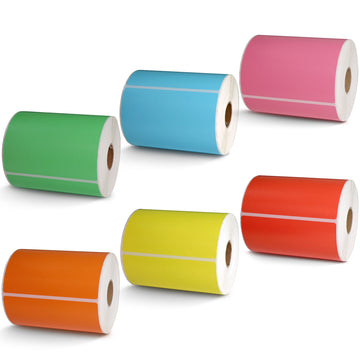
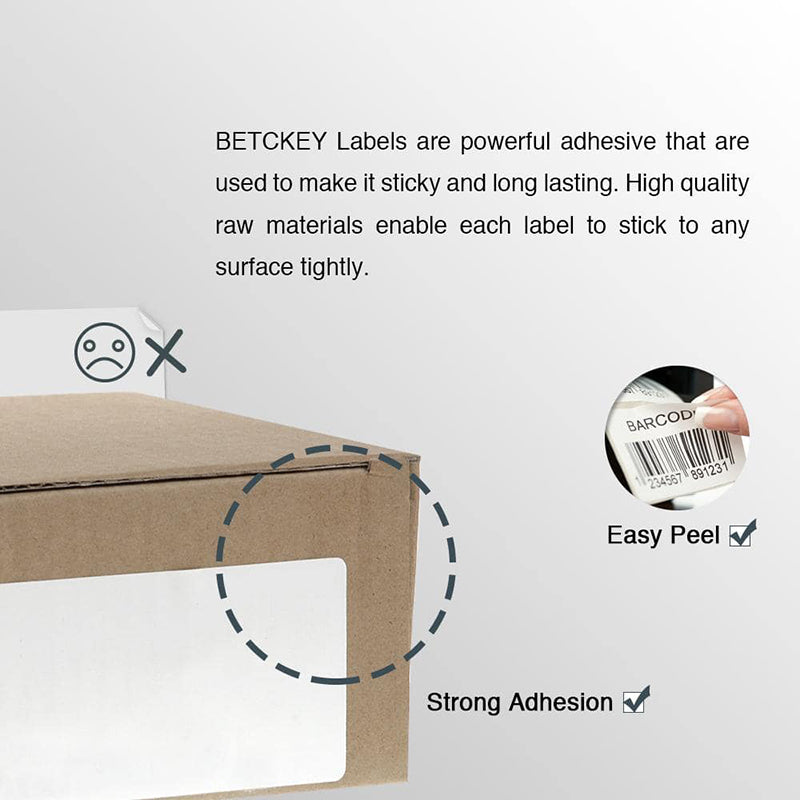
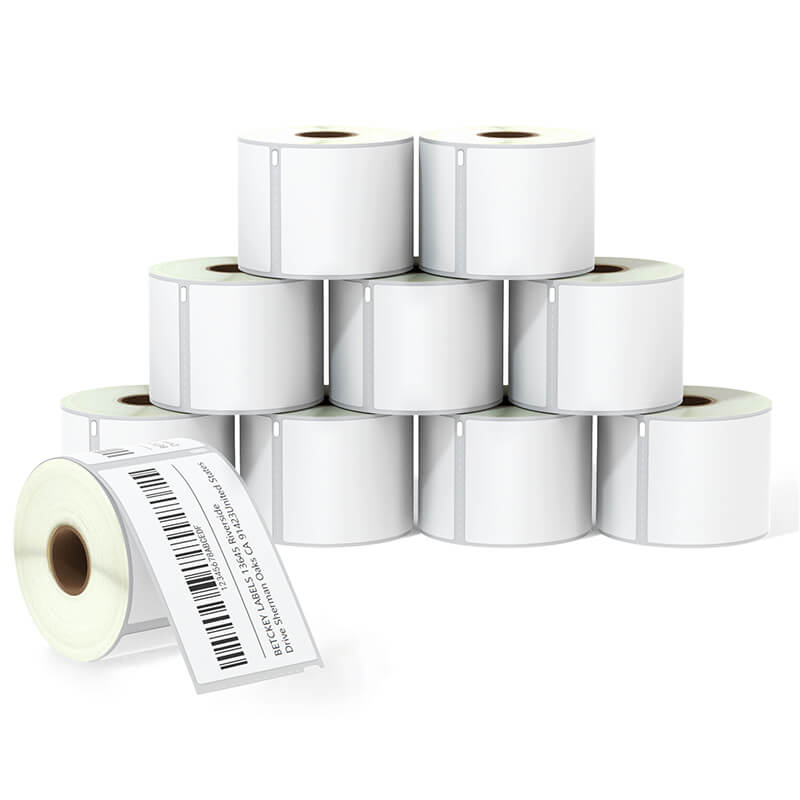
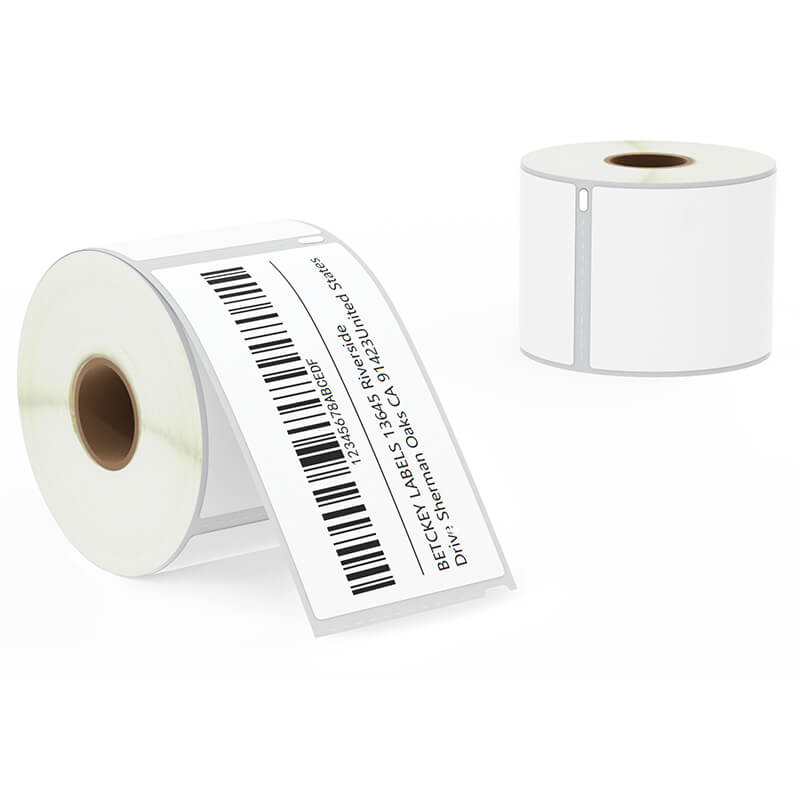
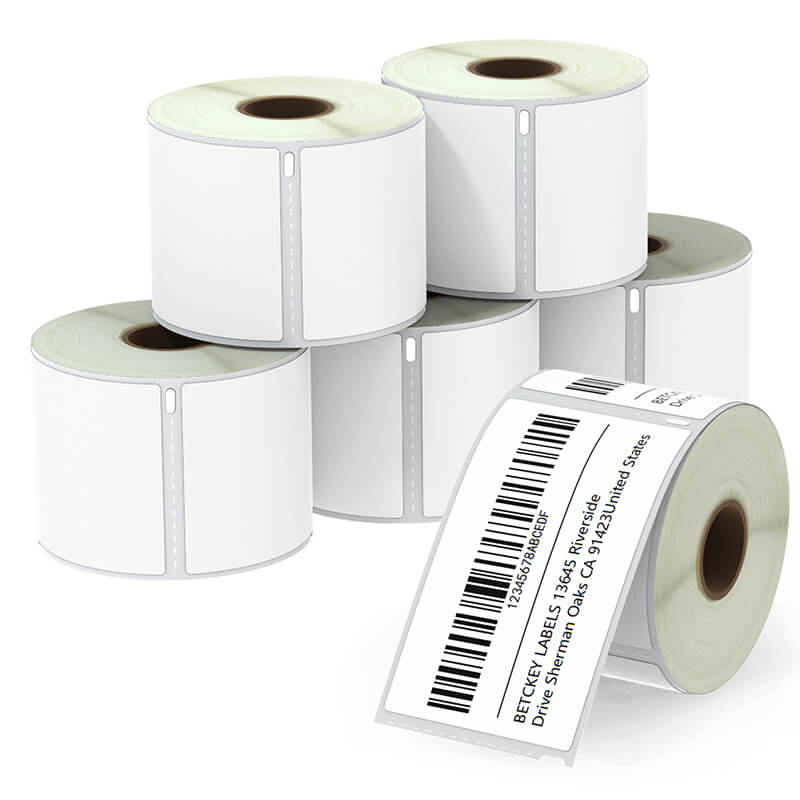
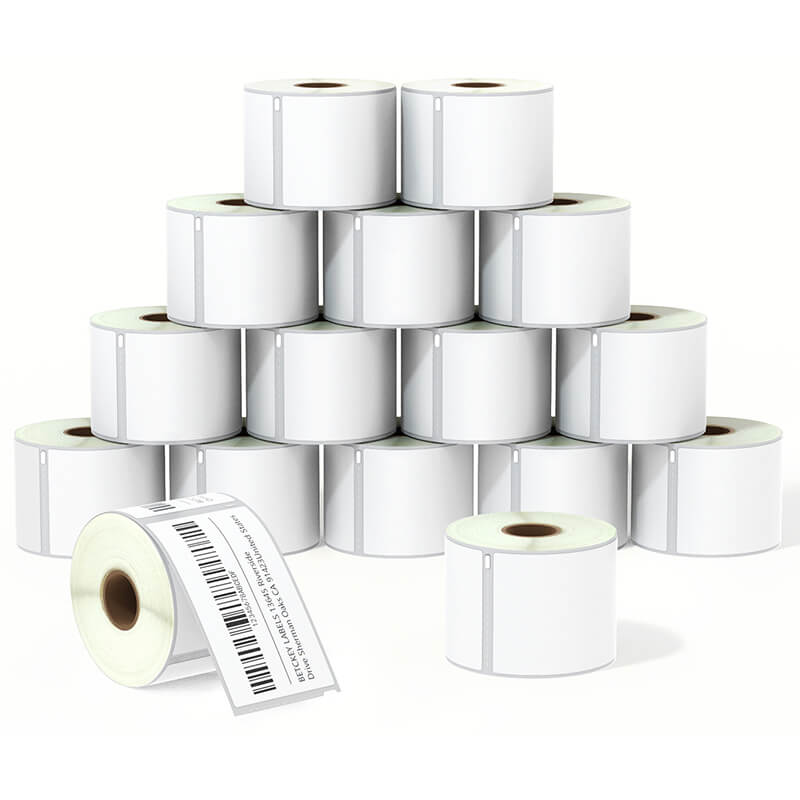
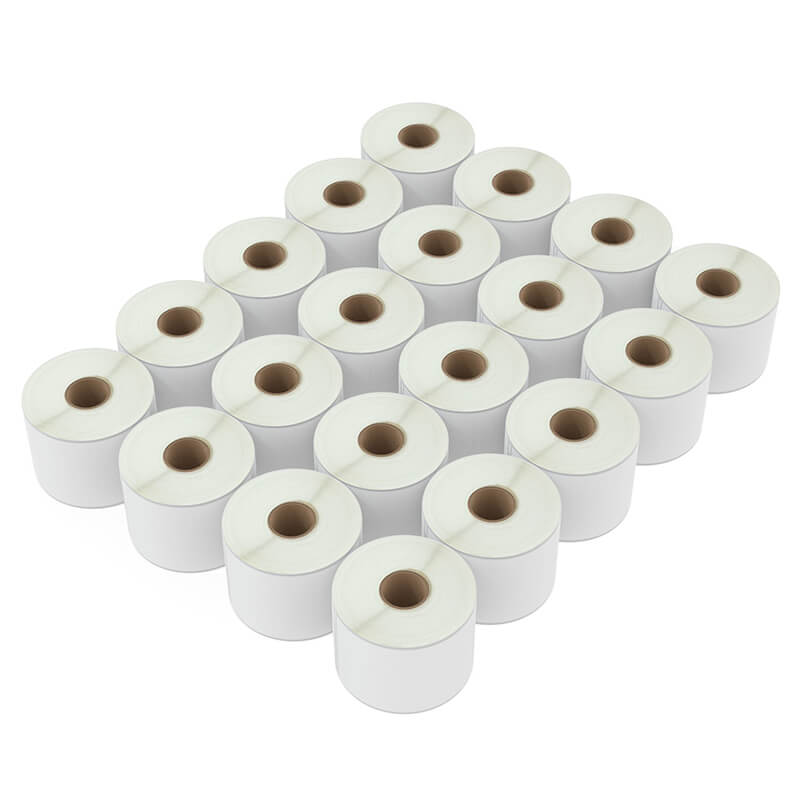
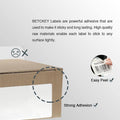
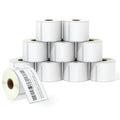
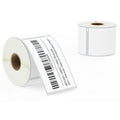
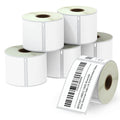
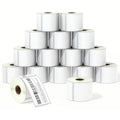
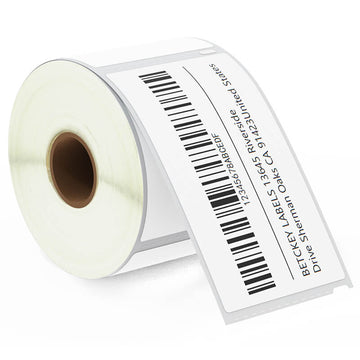
Our 2-5/16” x 4” thermal labels from Betckey are perfect size for printing standard shipping labels for large or medium boxes. Our Betckey labels work just like original Dymo labels but are available for just a fraction of the price. They help reduce your labeling costs without sacrificing quality and performance. 3-1/2" Barcode Labels
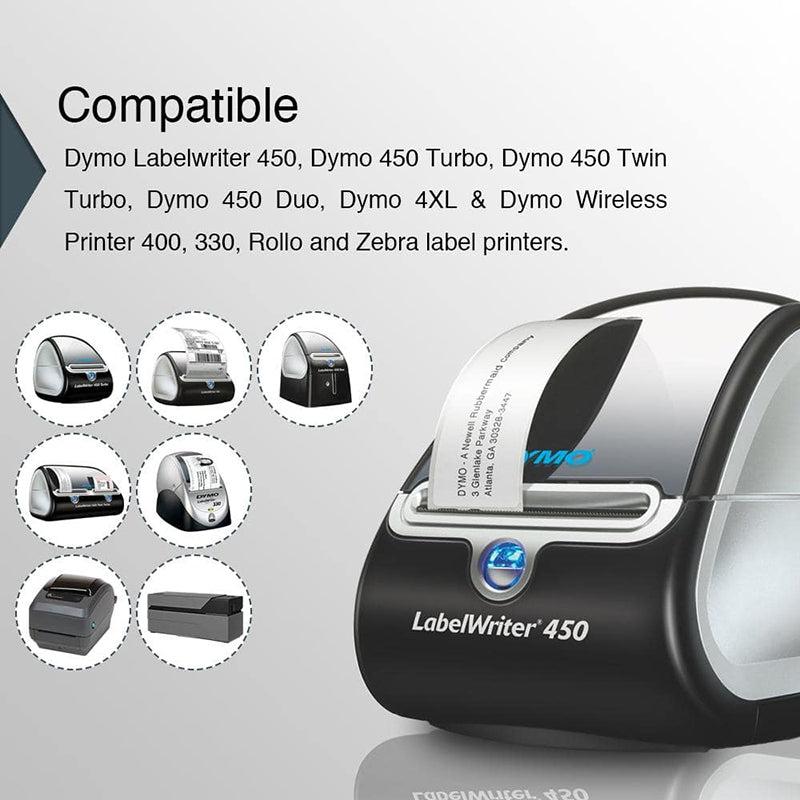
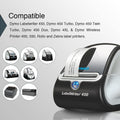
The Betckey Dymo LW 30256 shipping labels are suitable for All 450 Series and Earlier LabelWriter Printers (not suitable for use in 550, 550 Turbo, 5XL).
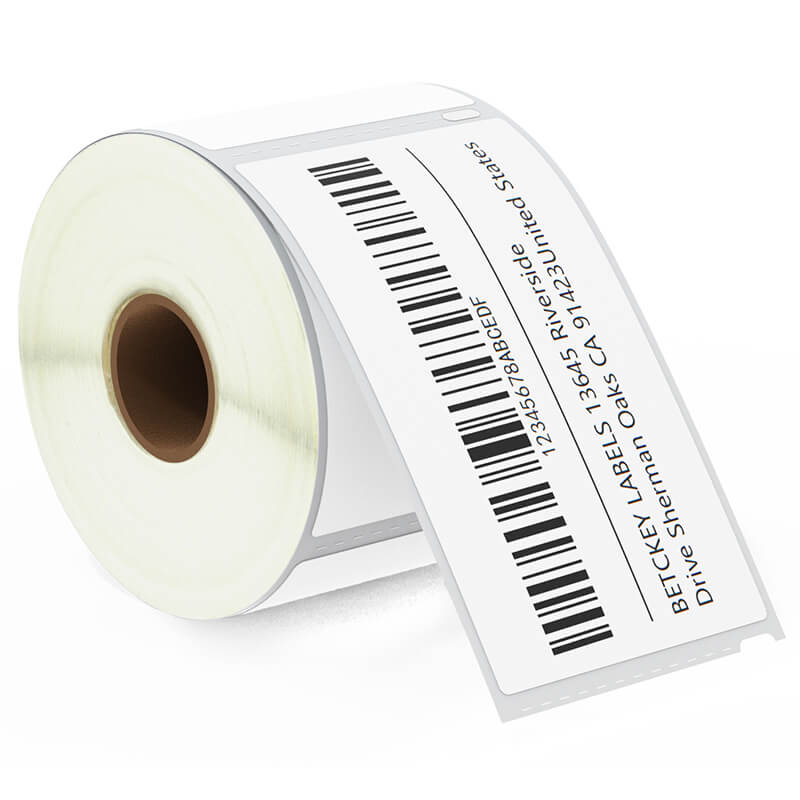
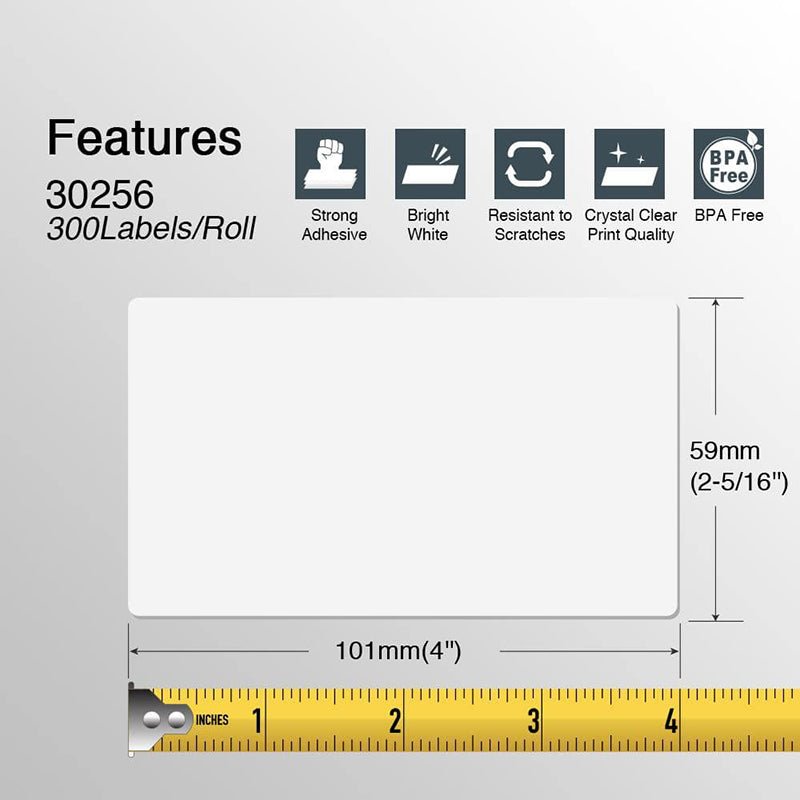
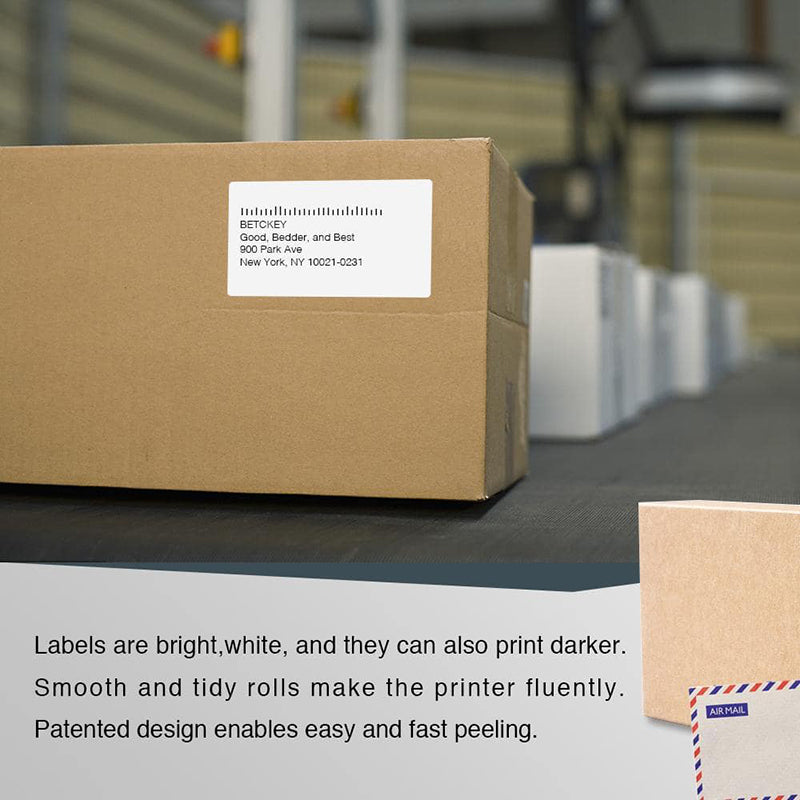
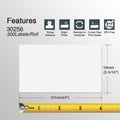
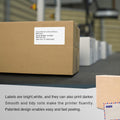
Dymo 30256 labels are direct thermal shipping labels designed for use with Dymo LabelWriter printers. These labels measure 2-5/16" x 4" (59mm x 102mm) and are commonly used for printing addresses, shipping labels, barcodes, and other shipping-related information. They are a popular choice for businesses and e-commerce sellers because they offer quick, efficient, and cost-effective label printing without the need for ink or toner.
Key features of Dymo 30256 labels:
Size: 2-5/16" x 4" (59mm x 102mm).
Material: Made from durable, white self-adhesive paper with a thermal coating that allows printing without ink or toner.
Usage: Commonly used for shipping labels, barcode printing, and product labeling in eCommerce, retail, and logistics.
These labels are often favored for their ease of use and reliability when paired with Dymo printers, making them ideal for small to medium-sized businesses that require consistent, high-quality label output.
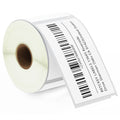
Yes, you can print barcodes on Dymo 30256 labels. These labels are commonly used for printing barcodes, QR codes, and other scannable information. Dymo 30256 labels have enough space and a high-quality surface to accommodate various barcode formats, such as:
1D barcodes (e.g., UPC, Code 128, EAN)
2D barcodes (e.g., QR codes, Data Matrix)
You can use Dymo's Label Software or third-party programs like BarTender, ZebraDesigner, or eCommerce platforms (e.g., Shopify, eBay, or Amazon) to design and print barcode labels. Since these labels use direct thermal printing, you won't need ink or toner, which makes printing barcodes fast and efficient for inventory tracking, shipping, or retail purposes.
To design and print Dymo 30256 labels, you can use the following software:
Dymo Label Software (DLS) – A free tool for basic label design, including addresses, barcodes, and shipping labels. It integrates directly with Dymo printers.
Microsoft Word – Use built-in templates or custom designs for label printing, including batch printing from data in Excel.
BarTender – A professional label design software that supports barcodes and advanced features, ideal for businesses needing robust label creation.
Avery Design & Print – An easy-to-use online tool with templates for designing labels, including Dymo-compatible sizes.
ZebraDesigner – A powerful tool for designing custom labels, including barcodes, for use with Dymo printers.
LabelLive – A cloud-based solution for label design and printing, accessible from any device.
eCommerce Platforms (eBay, Shopify, Etsy) – Direct integration for printing shipping labels from your online store.
These tools allow you to design and print Dymo 30256 labels efficiently, depending on your needs and the level of customization required.


[Specifications]
Label Size: 2 5/16 in x 4 in (59mm x 102mm) – Large format ideal for shipping, barcode, and address labels
Compatible Replacement for: DYMO LW 30256, S0719190, 1763982
Wide Compatibility - Works perfectly with a variety of thermal label printers, including:
▇ Warm Tip ▇ Not compatible with DYMO 5XL printers that require RFID chips.