Removable Film Labels

|
|
Time to read 1 min
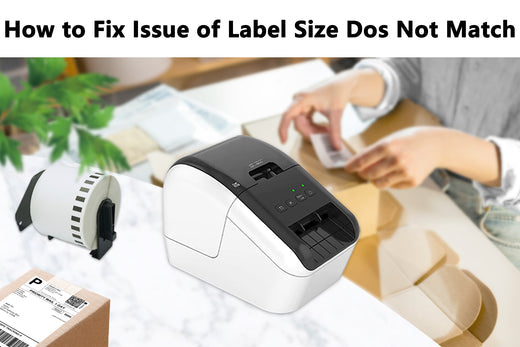
Your printers/software may report error like label size does not match issue because the printer set up size does not match the actual label size on your printer.
So the solution is change the printing setted size to actual label size.
Please see detailed instruction for Windows User and Mac users and Brother P-Touch user。
Table of Content
Go to the ‘printer preferences’ -> ‘advanced’ -> ‘paper size’, select the correct size for the printer (please select the 4x6 inch or 100*150mm)
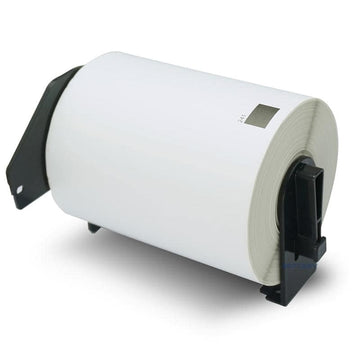
Select correct size on "Paper Size" in the print dialogue. For instance, you should choose the 4 x 6" for 4 x 6 labels (eg. DK-1241 , Dymo 1744907 ).
Note: You can use the presets settings to permanently save these specific printing settings and avoid repeated setup.
Paper’ -> ‘Media Size’
File’ -> ‘Print’ -> ‘Page Setup’, select the correct size for the printer (Eg. 62mm x 29mm for DK-1209)
If the issue still not fixed, don't hesitate to contact us by cs@betckey.com and our technicial expert will bring more help.
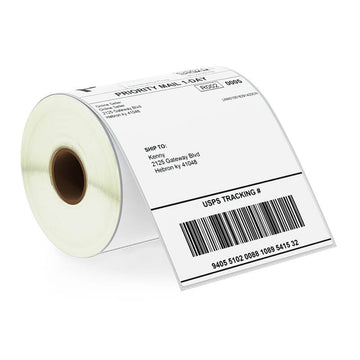
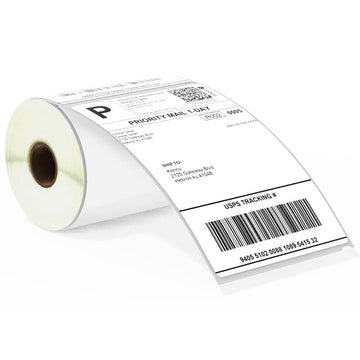
If you want to buy thermal labels or sticker paper, you can check out more on our store
Products Featured In This Blog