Removable Film Labels

|
|
Time to read 2 min
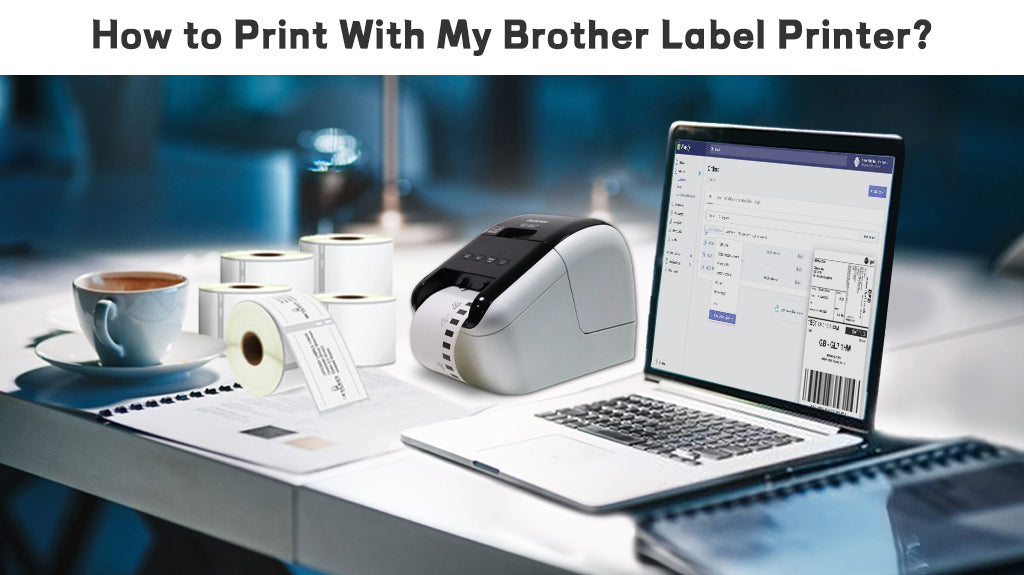
Many people find using a Brother label printer to print labels a bit difficult. The user guide can seem intimidating at first glance. So we organized a simplified version to make the process easier and more approachable. The operations of different Brother models may differ slightly, but the basic functions remain the same. Feel free to continue reading!
Table of Content
Before turning on your Brother label printer, make sure to load the DK roll . For detailed instructions on how to load or change a DK roll, please refer to our previous article. You can find it in the "Related Articles" section at the bottom.
Press the Power Button to turn the Label Printer on. The Status LED turns green.
Click Print button.
First let’s do some basic settings. Double click“New Layout”and drag the edges of the blank layout to adjust the label size or click on “Paper”tool from the toolbar and select proper size for your label. You can also change “Length” and “margins” as well as Label Direction (Vertical/Horizontal) on the same panel.
Now you can start designing your labels:
There are several cutting options for you to choose. If you choose Auto Cut, each label is automatically cut after printing. When the Auto Cut and Half Cut options are selected simultaneously, only the last label will be fully cut after printing. The printer can also be set to cut the labels after a specified number of labels are printed.
Today we talked about common steps about printing labels on your Brother printers both by using a template and designing from scratch. By following the steps outlined, you can efficiently create and print professional-looking labels that meet your specific needs. Thank you for watching!
If you want to buy thermal labels or sticker paper, you can check out more on our store