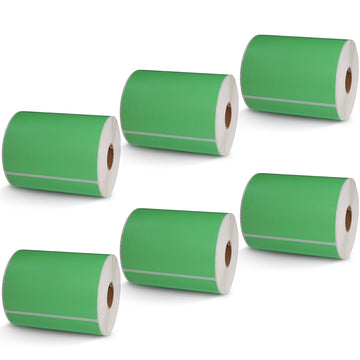
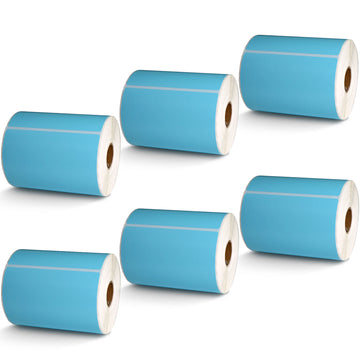
Removable Film Labels

Couldn't load pickup availability
Estimated Delivery:Apr 29 - May 03
Free Shipping: On all orders over $50(USD)
Guaranteed Safe Checkout
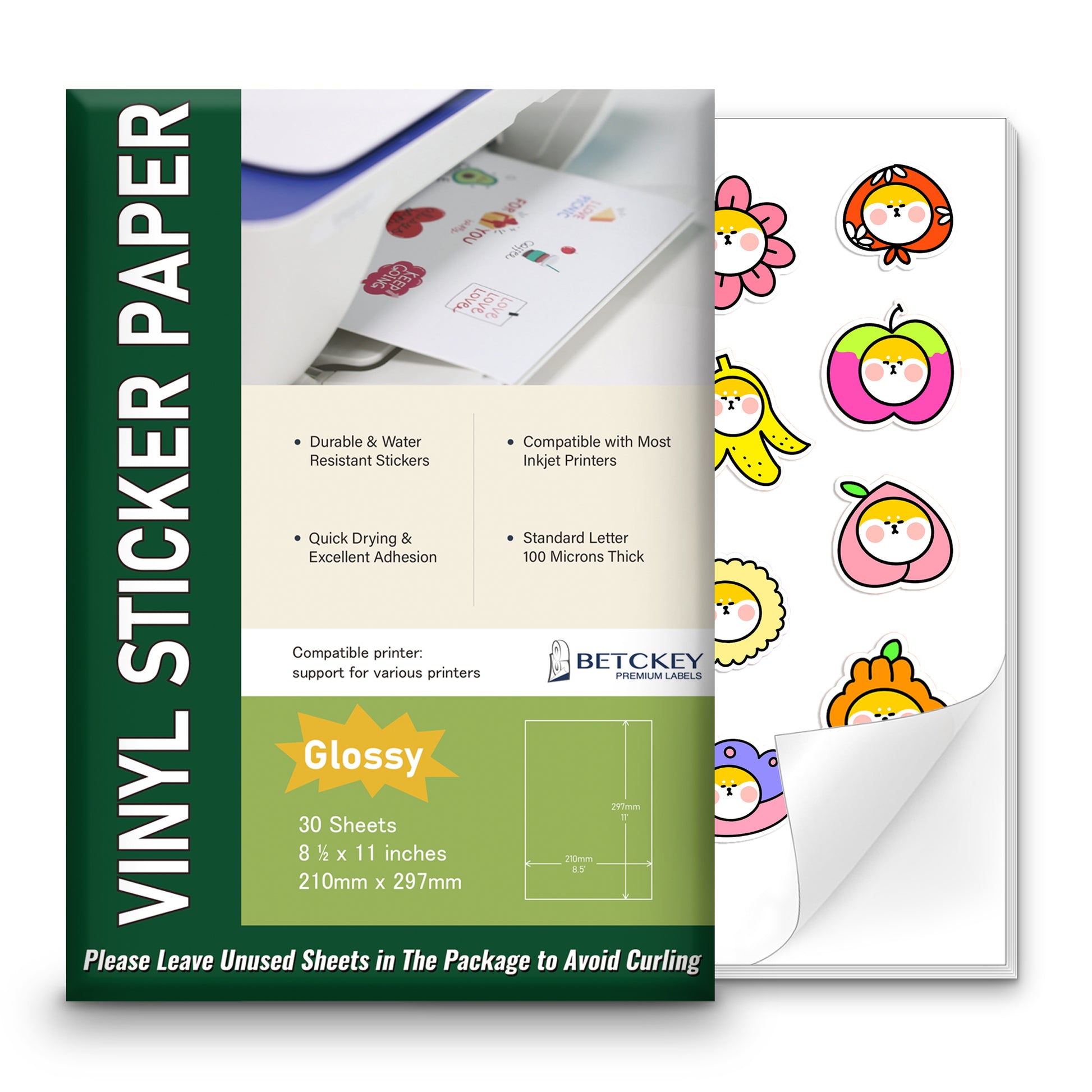
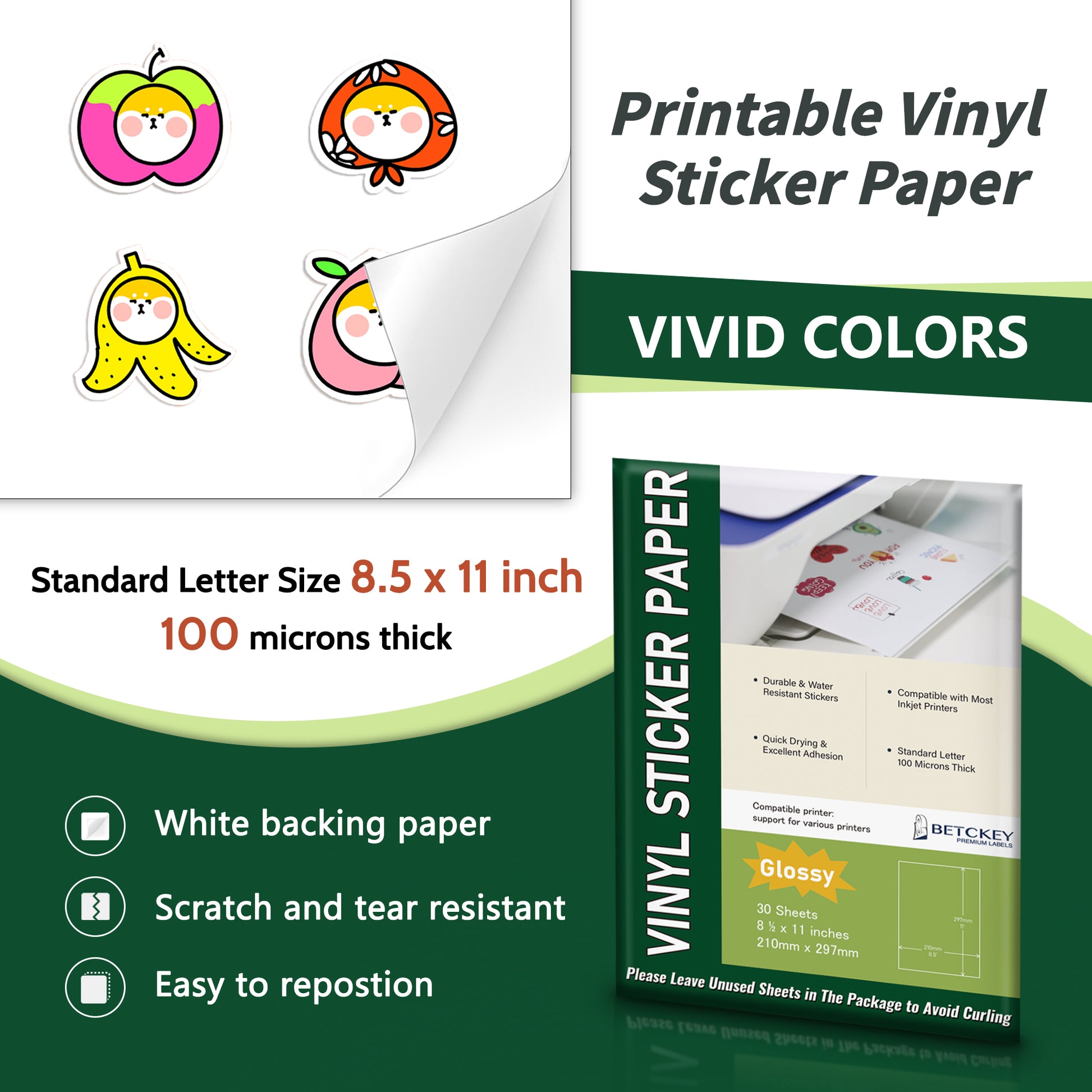
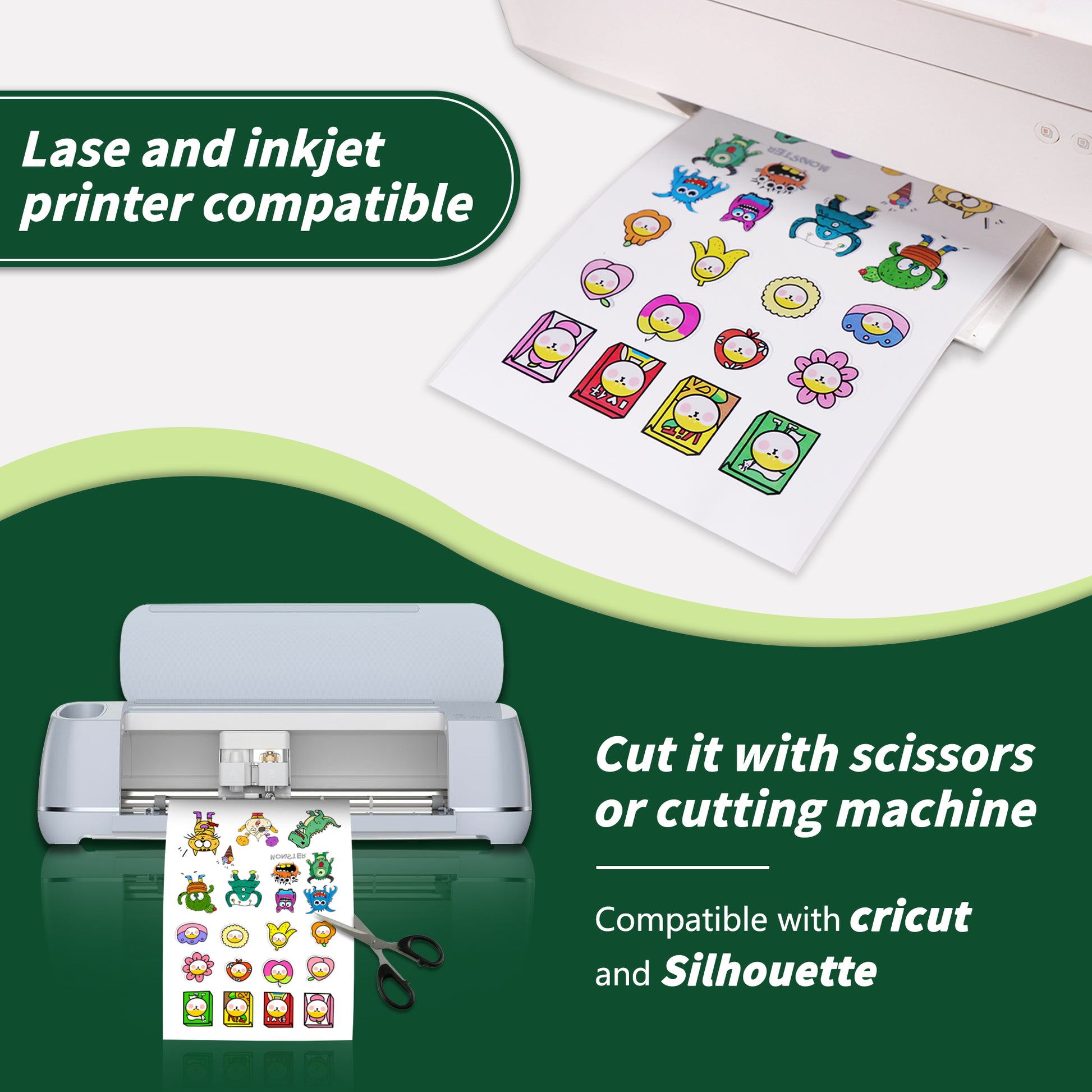
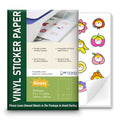
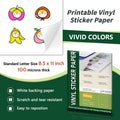
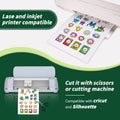
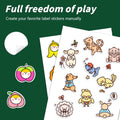
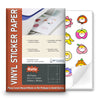
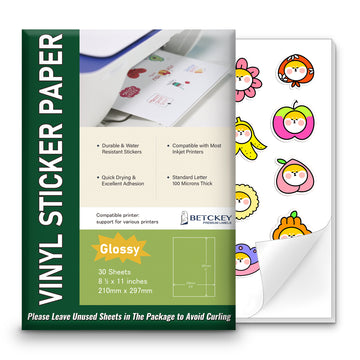
Our 8.5" x 11" matte sticker paper is fully compatible with your inkjet printer, laser printer, and Cricut maker. Your designs come to life on our white sticker paper, showcasing exceptional color performance and a glossy finish.
Click here to download Betckey 8.5" x 11" Full Sheet Labels printing templates.PDF
Learn how to make custom sticker paper at home—choose the right paper, design, print, laminate, and cut. Includes tips for using Betckey paper with templates.
It works. I had a Rubik's Cube with peeling stickers, and I wanted to put new stickers on it with custom colors and graphics. However, I needed to use vinyl stickers that were compatible with laser printers. Though I was worried, the vinyl printed just fine with the laser printer! It works!
This sticker paper is fantastic! The colors are vibrant, and it prints beautifully.
Great quality for the price. My labels look amazing!
Great product for the price!
Really impressed with the quality. The stickers turned out crisp and vibrant.
The paper is thick and durable. My designs turned out awesome!
Best sticker paper I’ve tried so far. Works great with my inkjet printer.
24/7 support team
Multiple Payment Methods
Worry-free shopping
Delivery in 3-7 business days
Be the first to know about label discounts,
product launches, and time-saving tips — subscribe now!
Are you 18 years old or older?
Sorry, the content of this store can't be seen by a younger audience. Come back when you're older.
I have an outdated Zebra LP2844 printer. My wife had recently started a small Bakery Business and, wanted to be able to put a label on her products. I thought since I already have the Zebra, I could print some labels for her from that. The printer is useless. So when we saw the ilabel printer we decided to try it. I like that can sit right on my desk, not taking up much space. the ease of downloading the software to my computer. I was even able to use the remaining 4x6 labels from the Zebra to do some testing. Now I just need to get the proper labels for my wife's project. Still trying to figure out what size label to get. Over-all, This is a nice replacement printer for my old Zebra.
These labels are easy to install and work perfectly in the Brother QL-820w printers.
The labels don’t work. They fit in the machine but you can’t get the print online up. It cuts the label off to one side or it prints sideways
I have been a stamps.com customer for years printing with a brother QL-1100. I had a problem with the new "Global Post" shipping method. I called tech support. After 2 hours on the phone, no solution. My Brother printer has never worked again. Brother refused to help because I used Betchey labels. I ordered the I Label because it used the same label. I set it up. Yes, it printed a test label. It has never printed a label. Yesterday I spent 4 hours with stamps.com tech and no solution. I am printing on paper and laminating with packing tape. I am trying to find a substitute for stamps.com. Any suggestions?
I was looking for a 2.4x3.4 or 3.5 and that’s not available
Ordered these and got them next day. Very impressed with speed.
Will not work in Demo… Not Compatible will not print had to youtube and its a process just to print one label