Removable Film Labels

|
|
Time to read 4 min
Previously, we introduced how to remove labels from a book cover. Today, we’re addressing a similar issue: how to remove labels from bottles or jars. Whether you want to peel off a label to reuse a bottle or simply remove packaging, these five easy methods will help you get the job done. Best of all, you can find everything you need right in your kitchen!
Table of Content
1. Peel by Hand
If you’ve purchased a bottle with a label, the simplest method is to peel it off by hand. Start by lifting one corner of the label and slowly peel it away along the edges. Labels with weaker adhesive will come off easily, but this method will leave some residue behind. If you have enough time, take a cloth, dampen it with water, and gently rub the residue. This method will eventually clean the surface, though it may take a bit of time and patience.
For more stubborn labels, try soaking the bottle in warm water. Avoid using boiling water directly on the bottle, especially if it's glass, to prevent cracking. Instead, fill the bottle with warm water and let it sit for an hour. After soaking, you should be able to remove the label easily.
Cooking oil, which can be easily found in your kitchen, can be a simple yet effective solution for removing sticky residues from glass or plastic surfaces. Just apply a bit of oil to the sticky area and let it sit for a few minutes. The oil will soften the residue, making it easy to wipe away with your fingers or a cloth.
White vinegar has an acidic nature that helps dissolve the chemicals of the adhesive thus remove the residue. Here’s how you can use it:
Direct Application: Apply vinegar directly to the sticky area, leave it for several minutes, and then wipe it away.
Soaking: Add vinegar to hot soapy water and soak the bottle for an hour. The label should peel away easily with the help of a cloth or your fingers.
Using heat to remove labels is another effective method. A hairdryer set to medium heat can soften the adhesive, making it easier to peel off the label.
Finally, place the printed sticker sheet on a light grip mat and load it into your Cricut machine. Use a brayer or felt squeegee to smooth out any air bubbles. Select the appropriate settings for cutting sticker paper, and then cut your designs.
Masking tape is another handy tool for removing sticker residue. Wrap a piece of tape around your index and middle fingers, sticky side out, then press it firmly onto the residue and pull it away. The dried glue should adhere to the tape. Repeat this process until the surface is completely clean. We have tried this ourselves on Betckey labels with permanent adhesive. It does help, but takes a lot of labor work and time. We recommend trying other more labor-saving ways before applying this method.
It seems that use commercial adhesive remover products is the fastest way and these products are not expensive to own one. Products such as Goo Gone and Ronson Off are powerful solvents that can remove sticky label residue. Apply a small amount to a paper towel, wipe the sticky area, and the residue should be gone within seconds.
Lighter fluid is excellent for dissolving adhesive. The principle is the same as commercial solvents. Apply it to the sticky area, allow it to react with the adhesive, and then wipe it away.
Most of the time, you can peel off labels from plastic bottles with your fingers. However, if residue remains, try warming it with a blow dryer on medium heat to avoid damage. Then, soak the bottle in warm water for 15 minutes or longer to soften the residue, making it easier to remove.
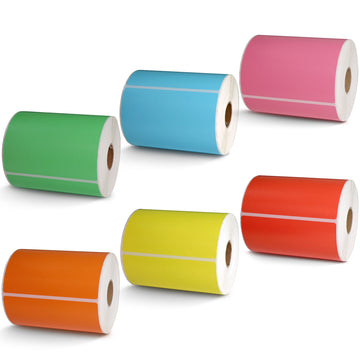
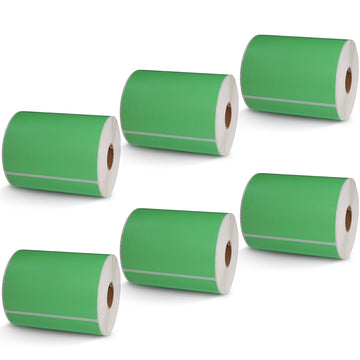
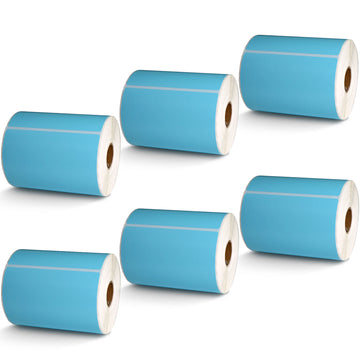
If you often apply your own labels, consider using removable labels from the start. Removable labels stick well to containers but can be easily peeled off without leaving residue. Betckey offers a variety of affordable and reliable removable labels. You can check on our website .
If you often apply your own labels, consider using removable labels from the start. Removable labels stick well to containers but can be easily peeled off without leaving residue. Betckey offers a variety of affordable and reliable removable labels. You can check on our website .
If you want to buy thermal labels or sticker paper, you can check out more on our store